
Computer skills, made easier to understand.
Personalized online tutoring to help you feel more comfortable using computers, everyday software, and digital tools.

One-on-one online lessons
Today's lesson note
- Open a folder
- Save a document
- Send an email
01 / Everyday skills
Make everyday technology feel familiar.
Lessons center on the things people actually do on a computer, explained plainly and practiced until they feel natural.
Computer Basics
The keyboard, the mouse, the screen, and what everything on the desktop does. A calm starting point for anyone who wants a solid foundation.
Internet & Email
Browsing, searching, and sending messages with confidence.
Files & Folders
Saving, finding, and organizing documents so nothing gets lost.
Documents & Spreadsheets
Writing, formatting, and working with simple tables of information.
Online Communication
Joining video meetings and using everyday messaging tools.
02 / Learning in practical steps
A path that grows with you.
- 01
Understand
Start with the student's current knowledge and learning goals, so lessons begin exactly where you are.
- 02
Practice
Work through computer tasks with clear, guided explanations, one small step at a time.
- 03
Build Confidence
Repeat useful skills and gradually become more independent with everyday technology.
03 / Personal tutoring
A patient approach to learning digital skills.
Monique Chavez, Owner & Computer Skills Tutor, brings more than 10 years of experience working with and teaching computer skills.
Expect simple explanations, an approachable teaching style, lessons paced to you, and practice that connects to real, everyday computer use.
Read about Monique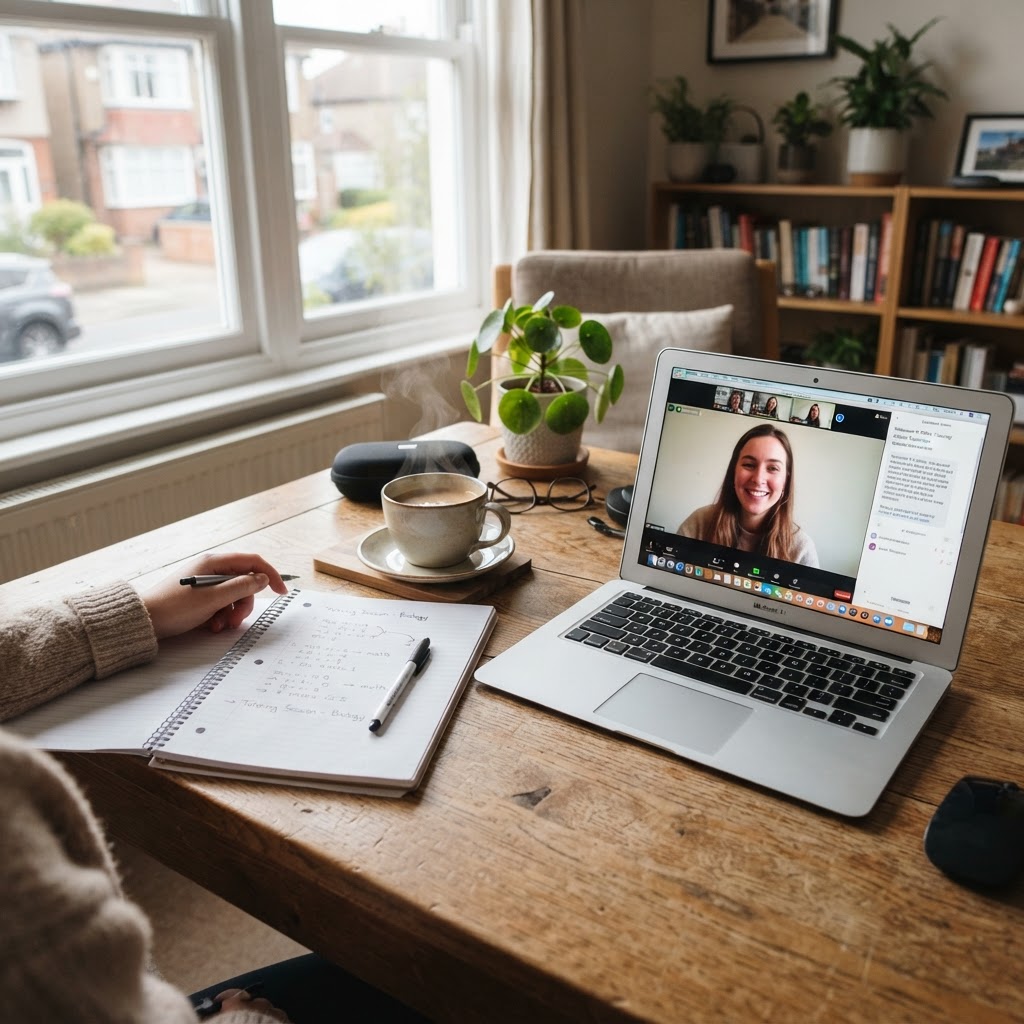
10+
years working with and teaching computer skills
1:1
online lessons, paced to you
04 / Learning situations
Whatever your starting point, there's a lesson for it.
Every learner arrives with different goals. Lessons are shaped around yours.
How lessons work- A
Learning to use a computer for the first time.
- B
Becoming comfortable with email and the internet.
- C
Organizing files and everyday documents.
- D
Improving computer skills for personal or work-related tasks.
- E
Learning how to navigate common online tools.